 Upload BOM
 Cart (
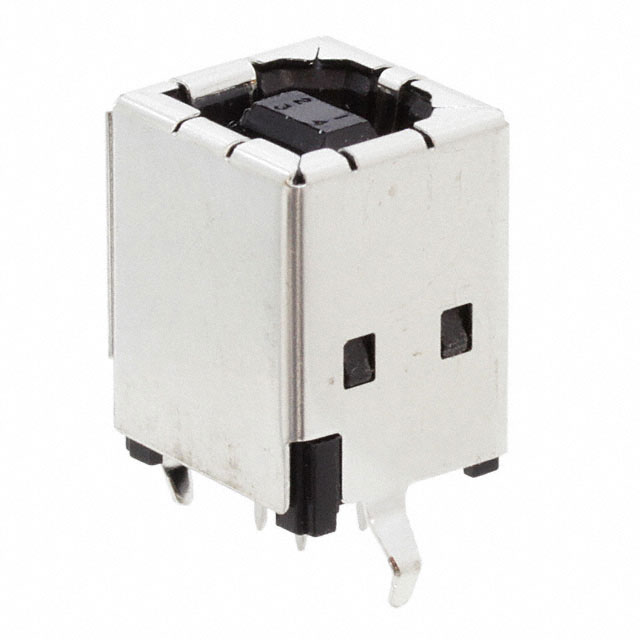
USB4105-GF-A datasheet | footprint
- Current Rating (Amps): 5A
- Voltage - Rated: 48VDC
- Mating Cycles: 20000
- Package: -


FREE delivery for orders over HK$250.00

Quick response, quick quotaton

Flash shipment,no worries after sales

Original channel,guarantee of the authentic products
Key Features of the USB4105-GF-A
The USB4105-GF-A is a versatile USB Type-C controller designed for seamless power delivery and data transmission. This chip supports USB 3.1 and USB Power Delivery (PD) 2.0 standards, allowing it to deliver fast data speeds and efficient power management. It features integrated protection against over-voltage, over-current, and short circuits, ensuring safe and reliable operation. The USB4105-GF-A is ideal for use in applications such as USB hubs, charging stations, and power adapters. With its compact design and low power consumption, it’s a great choice for enhancing USB Type-C connectivity in your devices.
USB4105-GF-A Pinout
| Pin Number | Pin Name | Description |
|---|---|---|
| 1 | VBUS | The input voltage from the USB power source. Typically 5V from a USB host. |
| 2 | GND | Ground pin. Connect to the system ground. |
| 3 | CC1 | Configuration Channel 1. Used for detecting connection and power delivery negotiation. |
| 4 | CC2 | Configuration Channel 2. Similar to CC1, used for detecting connection and power negotiation. |
| 5 | SBU1 | Sideband Use 1. Used for alternate modes like audio or video. |
| 6 | SBU2 | Sideband Use 2. Similar to SBU1, used for alternate modes. |
| 7 | DP | USB Data Plus. Data transmission line for USB 2.0 data communication. |
| 8 | DM | USB Data Minus. Data transmission line for USB 2.0 data communication. |
| 9 | VCONN | Provides power to the cable’s orientation and active communication. |
Pinout Usage and Notes
The USB4105-GF-A manages the USB Type-C interface, and its pins are used for various purposes like power delivery, data communication, and configuration. VBUS and GND handle power, while CC1 and CC2 are used for cable orientation and power delivery negotiations. The SBU pins (SBU1 and SBU2) are important for supporting alternate modes such as audio or video. The DP and DM pins are used for USB 2.0 data transfer, and VCONN provides power to active cables. Make sure to connect the pins correctly to ensure smooth data transfer and power negotiation between devices.
USB4105-GF-A Equivalent Models
| Model | USB Version | Power Delivery | Data Rate | Package Type | Features |
|---|---|---|---|---|---|
| USB4105-GF-A | USB 3.1, Type-C | PD 2.0 | 5 Gbps | QFN-24 | Integrated protection, low power |
| TUSB320 | USB 3.1, Type-C | PD 3.0 | 5 Gbps | QFN-24 | Faster power negotiation, robust |
| CYPD3171 | USB 3.1, Type-C | PD 3.0 | 10 Gbps | QFN-32 | High-speed data, fast charging |
| EZ-PD CCG3 | USB 3.1, Type-C | PD 3.0 | 10 Gbps | QFN-24 | Low power, high efficiency |
Equivalent Models Usage and Notes
If you’re looking for a replacement for the USB4105-GF-A, the TUSB320 and CYPD3171 are good alternatives. Both offer similar USB 3.1 support with Type-C compatibility and Power Delivery capabilities. The TUSB320 offers faster power negotiation, while the CYPD3171 supports faster data transfer speeds (10 Gbps). The EZ-PD CCG3 also offers similar power delivery features with high efficiency. When choosing a replacement, consider the required data rate and power delivery version for your application. The 32-pin package on some models like the CYPD3171 might offer more features, but ensure compatibility with your board’s design and size limitations.
Choosing the Right USB Type-C Controller
When selecting a USB Type-C controller, it’s important to consider factors like power delivery version, data rate, and overall efficiency. The USB4105-GF-A is a great choice for most applications with its support for USB 3.1, PD 2.0, and 5 Gbps data rate. However, if you need faster data transfer or more advanced power negotiation, alternatives like the TUSB320 or CYPD3171 might be better. The TUSB320 offers quicker power negotiation, while the CYPD3171 supports a higher data rate of 10 Gbps. Always make sure the controller fits your design, both in terms of features and physical layout.
USB4105-GF-A Circuit Diagram and Analysis
The USB4105-GF-A is a USB 2.0 Type-C receptacle connector designed for surface-mount applications. Its application circuit typically involves connecting the module to a microcontroller via the USB 2.0 interface for data communication. Additionally, a 5V power supply is required to operate the module.
Key Components in the Circuit
-
Microcontroller (e.g., Arduino): Acts as the host processor, managing communication with the USB4105-GF-A module.
-
USB4105-GF-A Module: The USB 2.0 Type-C receptacle connector responsible for data communication.
-
5V Power Supply: Provides the necessary voltage for the USB4105-GF-A module.
Circuit Diagram
Analysis
In this configuration, the microcontroller communicates with the USB4105-GF-A module via the USB 2.0 interface. The 5V power supply is crucial, as applying a higher voltage directly to the USB4105-GF-A can permanently damage it.
Usage Notes
-
Power Supply: Always use a 5V supply for the USB4105-GF-A module.
-
Interface: Ensure correct USB 2.0 interface connections between the microcontroller and the USB4105-GF-A module.
-
PCB Design: For custom PCBs, refer to the USB4105-GF-A module’s land pattern and layout guidelines to ensure proper signal integrity and power distribution.


More Like This

48404-0003
Molex
48408-0003
Molex
48204-0001
Molex
48406-0003
Molex

105017-0001
Molex

UE27-AE54-100
Amphenol Commercial Products

105133-0001
Molex

105133-0011
Molex

67503-1020
Molex

47346-0001
Molex

105450-0101
Molex

TLP185GR
TOSHIBA
Also Add to Cart

10118192-0001LF
Amphenol ICC (FCI)
48408-0003
Molex

2129691-1
TE Connectivity AMP Connectors

61400826021
Würth Elektronik

DX07WH24JD2R1200
JAE Electronics

685119134923
Würth Elektronik
105017-0001
Molex
UE27-AE54-100
Amphenol Commercial Products

1734035-2
TE Connectivity AMP Connectors
10118194-0001LF
Amphenol ICC (FCI)
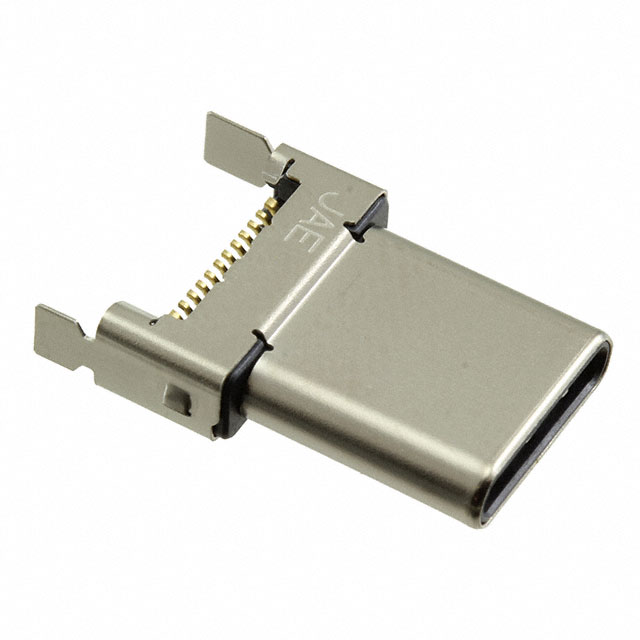
DX07P024MJ1R1500
JAE Electronics

292336-1
TE Connectivity AMP Connectors
Related Products
48404-0003
Molex
48408-0003
Molex
48204-0001
Molex
48406-0003
Molex
105017-0001
Molex
UE27-AE54-100
Amphenol Commercial Products
105133-0001
Molex
105133-0011
Molex
67503-1020
Molex
47346-0001
Molex
105450-0101
Molex
TLP185GR
TOSHIBA
467651301
MOLEX
LUSB-A111-00
Amphenol Communications Solutions

472720001
Molex

87520-0010BLF
Amphenol ICC (FCI)
HSCHD02AR0001R
Amphenol ICC (Commercial Products)

2086581001
Molex

CX90B-16P
Hirose Electric Co Ltd
DX07P024MJ1R1500
JAE Electronics

2047110001
Molex
DX07WH24JD2R1200
JAE Electronics

1932258-1
TE Connectivity AMP Connectors
1734035-2
TE Connectivity AMP Connectors
2129691-1
TE Connectivity AMP Connectors

61729-0010BLF
Amphenol ICC (FCI)

629105150521
Würth Elektronik

632723100011
Würth Elektronik
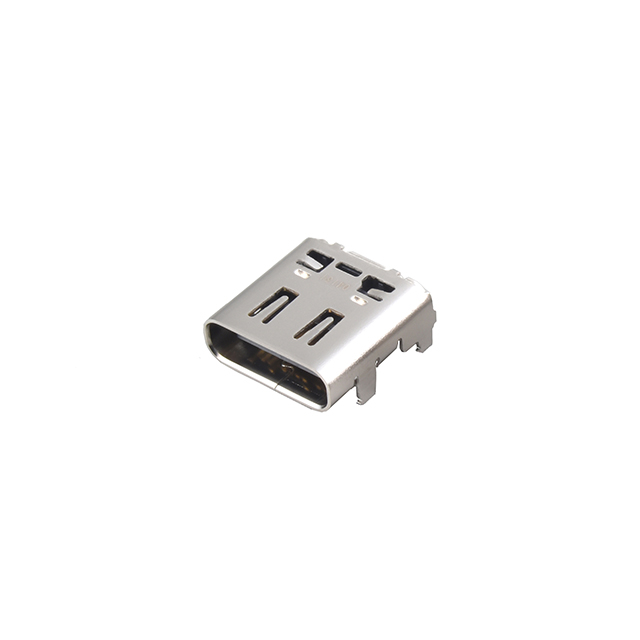
DX07S024JAAR1100
JAE Electronics
5787834-1
TE Connectivity AMP Connectors
Please send RFQ , we will respond immediately.
